
I’ve passed the Certified Kubernetes Administrator (CKA) exam.
I decided to renew an expired CKA.
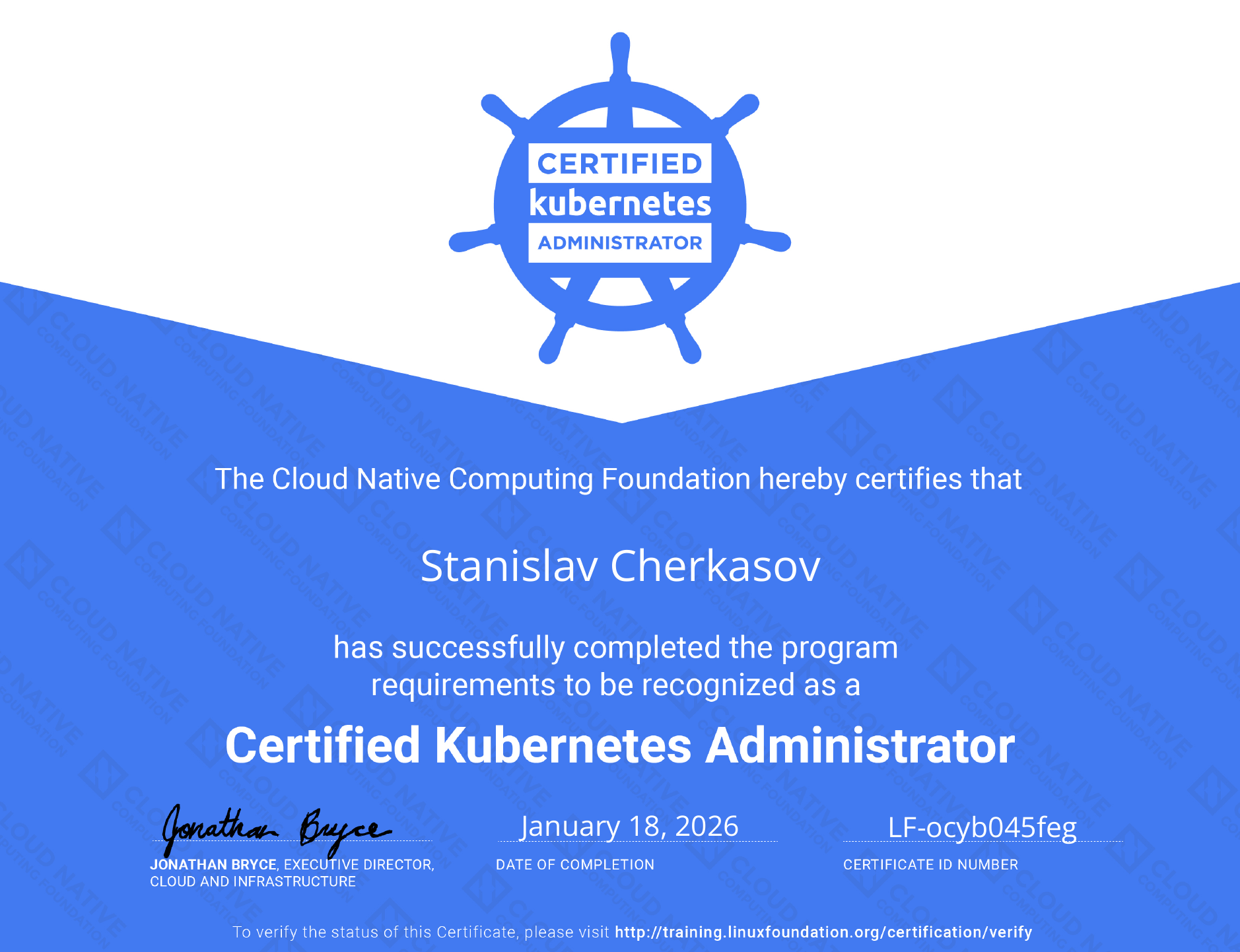
The exam is still fully hands-on, and I still like this format.
My exam environment was based on Kubernetes v1.34.
Domains#
The CKA blueprint is split into five domains. Here is the weight distribution:
%%{init: {"theme":"base","themeVariables":{"pie1":"#ff6b6b","pie2":"#feca57","pie3":"#48dbfb","pie4":"#1dd1a1","pie5":"#5f27cd"}}}%%
pie showData
  title CKA domains (weights)
  "Troubleshooting" : 30
  "Cluster Architecture, Installation & Configuration" : 25
  "Services & Networking" : 20
  "Workloads & Scheduling" : 15
  "Storage" : 10
A quick breakdown of what sits inside each bucket:
Troubleshooting (30%)
- Troubleshoot clusters and nodes
- Troubleshoot cluster components
- Monitor cluster and application resource usage
- Manage and evaluate container output streams
- Troubleshoot services and networking
Cluster Architecture, Installation & Configuration (25%)
- Manage role based access control (RBAC)
- Prepare underlying infrastructure for installing a Kubernetes cluster
- Create and manage Kubernetes clusters using kubeadm
- Manage the lifecycle of Kubernetes clusters
- Implement and configure a highly-available control plane
- Use Helm and Kustomize to install cluster components
- Understand extension interfaces (CNI, CSI, CRI, etc.)
- Understand CRDs, install and configure operators
Services & Networking (20%)
- Understand connectivity between Pods
- Define and enforce Network Policies
- Use ClusterIP, NodePort, LoadBalancer service types and endpoints
- Use the Gateway API to manage Ingress traffic
- Know how to use Ingress controllers and Ingress resources
- Understand and use CoreDNS
Workloads & Scheduling (15%)
- Understand application deployments and how to perform rolling updates and rollbacks
- Use ConfigMaps and Secrets to configure applications
- Configure workload autoscaling
- Understand the primitives used to create robust, self-healing deployments
- Configure Pod admission and scheduling (limits, node affinity, etc.)
Storage (10%)
- Implement storage classes and dynamic volume provisioning
- Configure volume types, access modes and reclaim policies
- Manage persistent volumes (PV) and persistent volume claims (PVC)
Preparation#
My prep was intentionally boring:
- Sander Van Vught
- KillerShell
- KillerCoda
- CTRL + SHIFT + V - make sure you use it fast enough
That’s more than enough if you already work with Kubernetes and can solve tasks under time pressure.
What felt different compared to ~5 years ago#
For me, the biggest deltas were:
- Gateway API: worth understanding as the modern direction next to classic Ingress
- CNI and networking: still the place where most people lose time
- Helm: you do not need to write charts, but you should be able to read and install things fast